-
Type:
Problem report
-
Resolution: Unresolved
-
Priority:
 Trivial
-
Affects Version/s: 7.0.26rc1, 7.4.10rc1, 8.0.0beta1
-
Component/s: API (A), Frontend (F)
-
Sprint candidates
Description:
Fields "Status" and "Action" are in edit mode for "Inaccessible user" in Scheduled reports. According to Zabbix documentation they should be displayed as read-only.
Steps to reproduce:
- Login as Admin user and create a scheduled report
- Create a user group
- Create a user with role = Admin and attach him to this user group (make sure he does not share any user group with Admin user). Attach user group from step 2 to Subscriptions section in created scheduled report.
- Login as the created user
- Open the list of scheduled reports
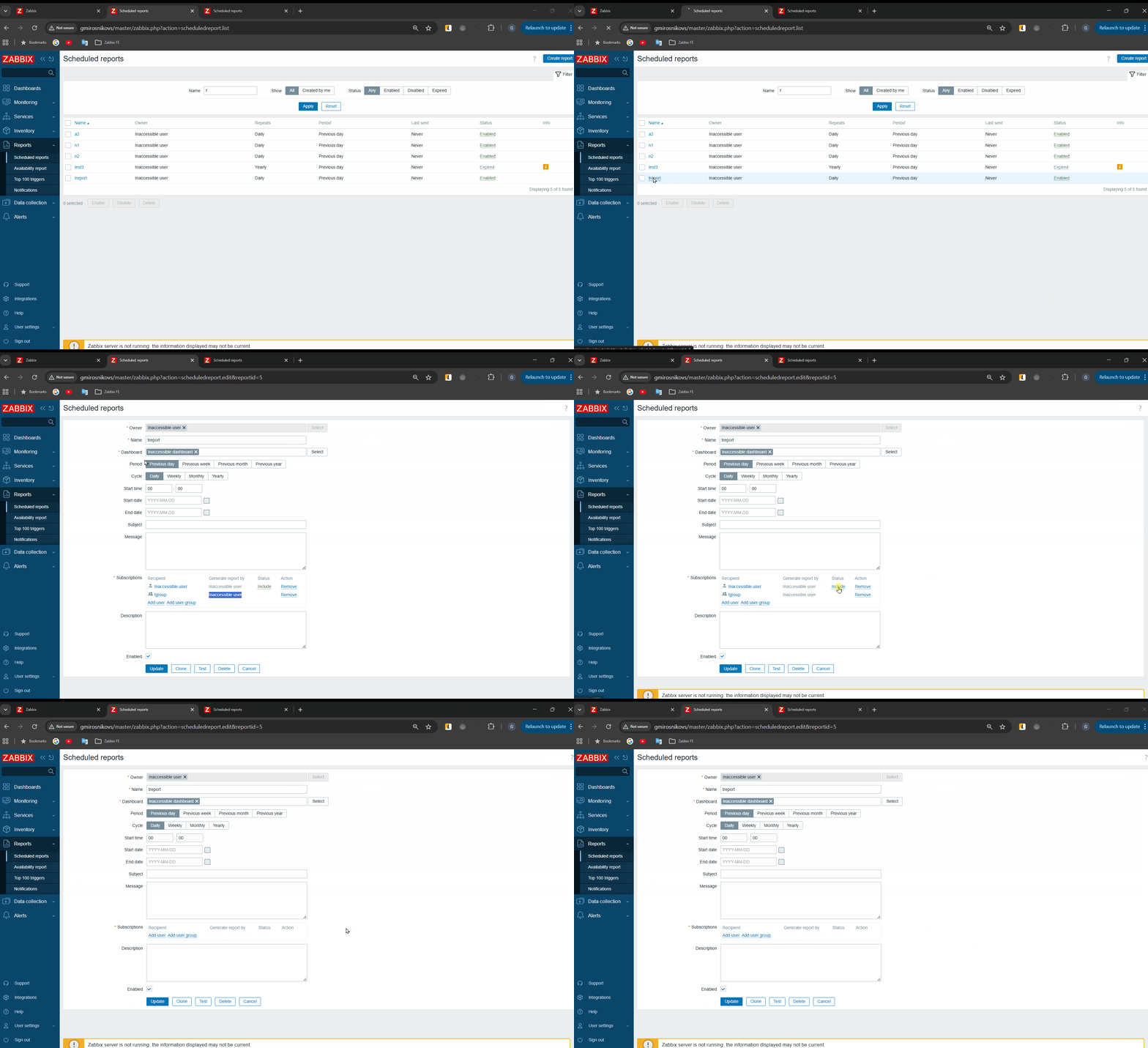
- Open the scheduled report from step 1. Notice that both the owner and the subscriptions are marked as "Inaccessible user"
- Click on items in "Status" and "Action" columns
Result:
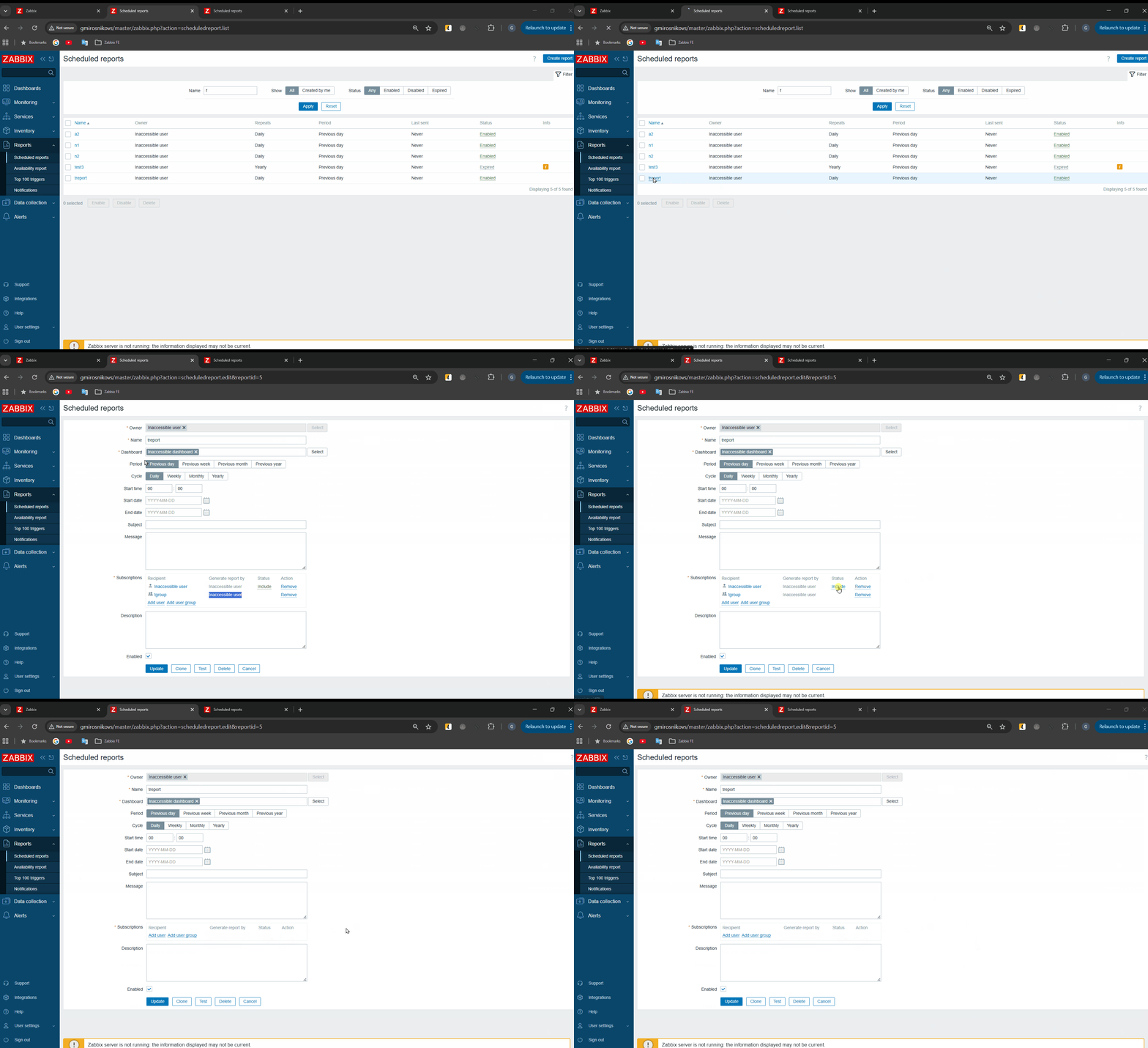
User can change status "Include" - "Exclude" and can remove user or user group.
Please see screencast:
Expected:
According to Zabbix documentation fields "Status" and "Action" should be be displayed as read-only for "Inaccessible user"


- caused by
-
ZBXNEXT-6478 Scheduled PDF report generation service (umbrella task)
-
- Closed
-

