-
Type:
Problem report
-
Resolution: Fixed
-
Priority:
 Minor
Minor
-
Affects Version/s: 7.0.26rc1, 7.4.10rc1, 8.0.0beta1
-
Component/s: Frontend (F)
-
S26-W20/21, S26-W22/23, S26-W24/25
-
0.5
Steps to reproduce:
Precondition:
In User settings -> Profile set Refresh to a smaller value to not wait default 30s of auto-refresh (For example: Refresh = 1s).
- Start server
- Open Data collection -> Hosts
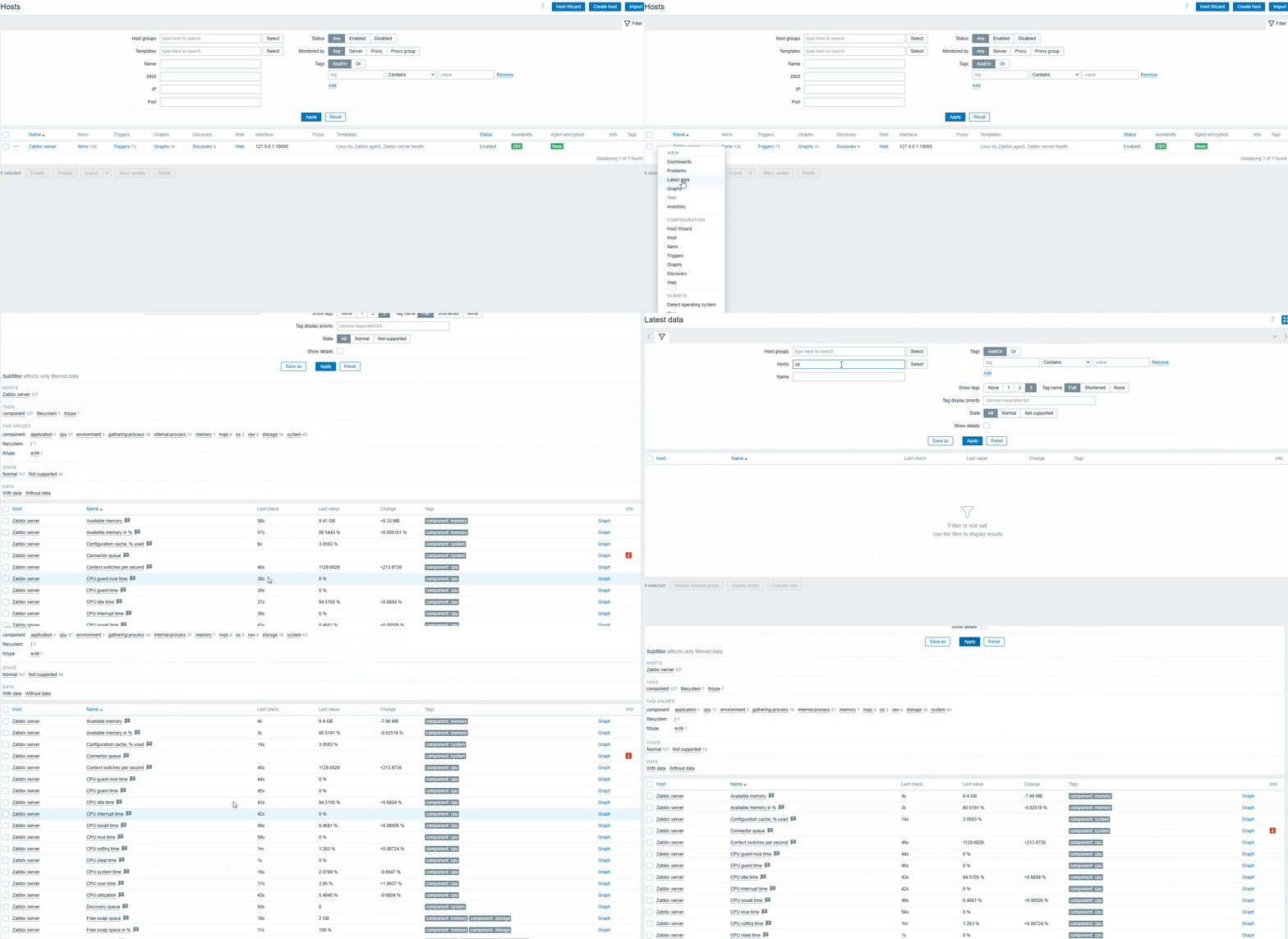
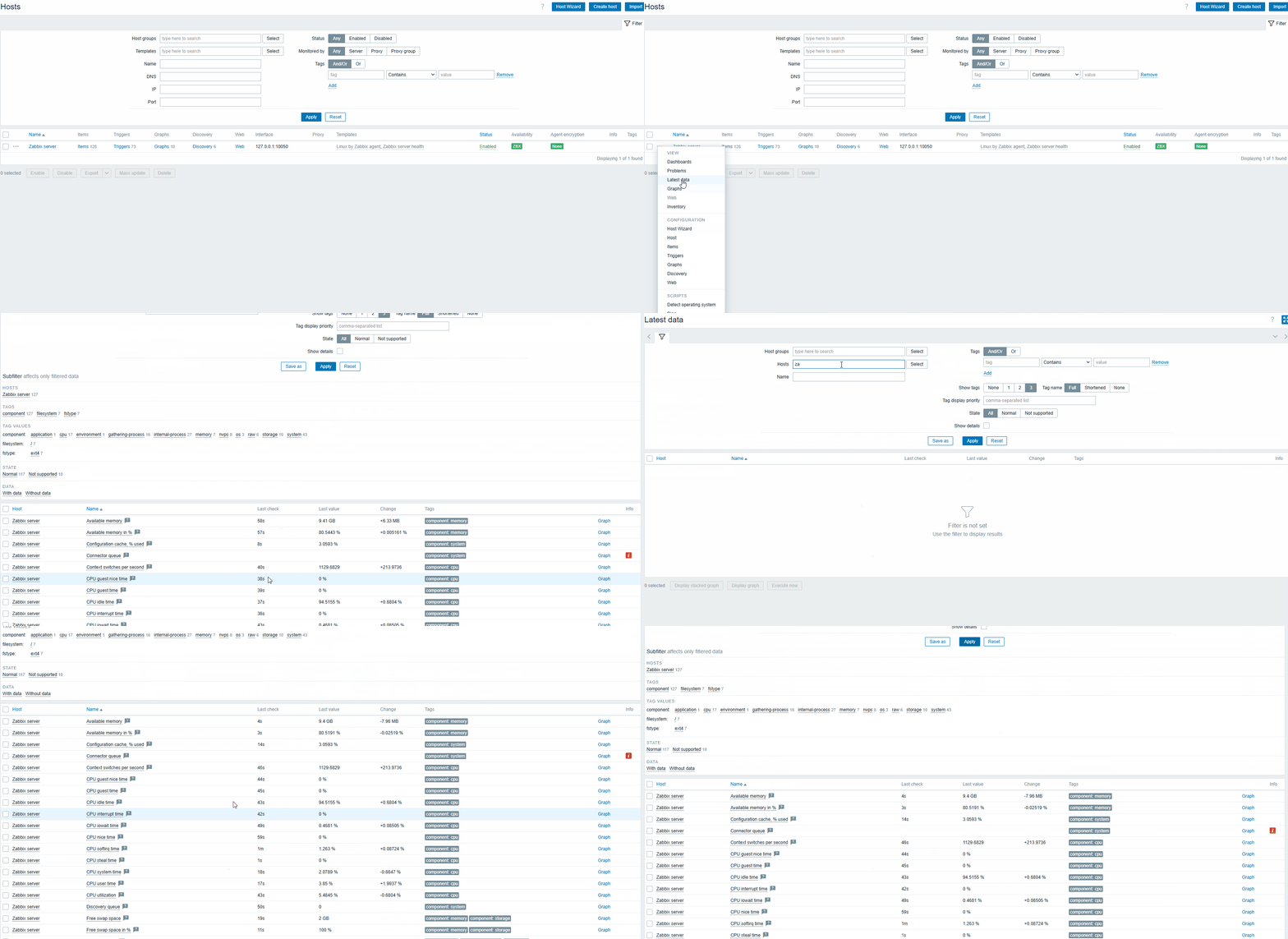
- Expand the context menu for Zabbix sever host -> click Latest data from the menu
- See that data on the page is updated according to Refresh (1s)
- Reset the filter
- Re-select same host in the filter, click Apply
- Observe the data
Result:
Auto-refresh is not working. It will start working again only if fully reload the page.
See video:
Expected:
The Refresh should work after applying the filter, without additional page reload.
- depends on
-
-

- Closed
-


