Exceeding the character limit on the host inventory screen causes an update error

XMLWordPrintable

    • Type: Incident report
    • Resolution: Unresolved
    • Priority: Trivial
    • None
    • Affects Version/s: 6.0.45, 7.0.27
    • Component/s: Frontend (F)
    • Support backlog
    • 1

      Steps to reproduce:

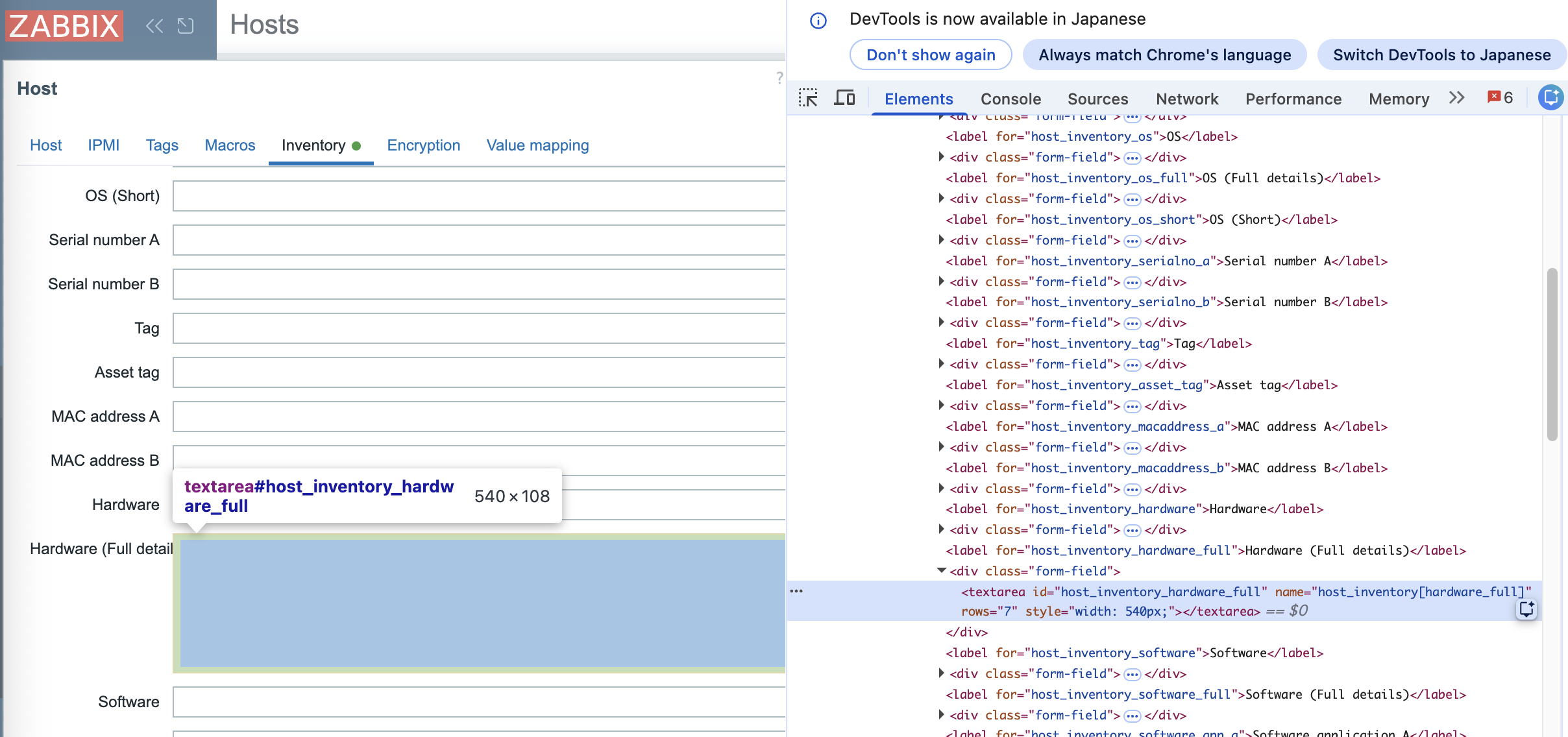
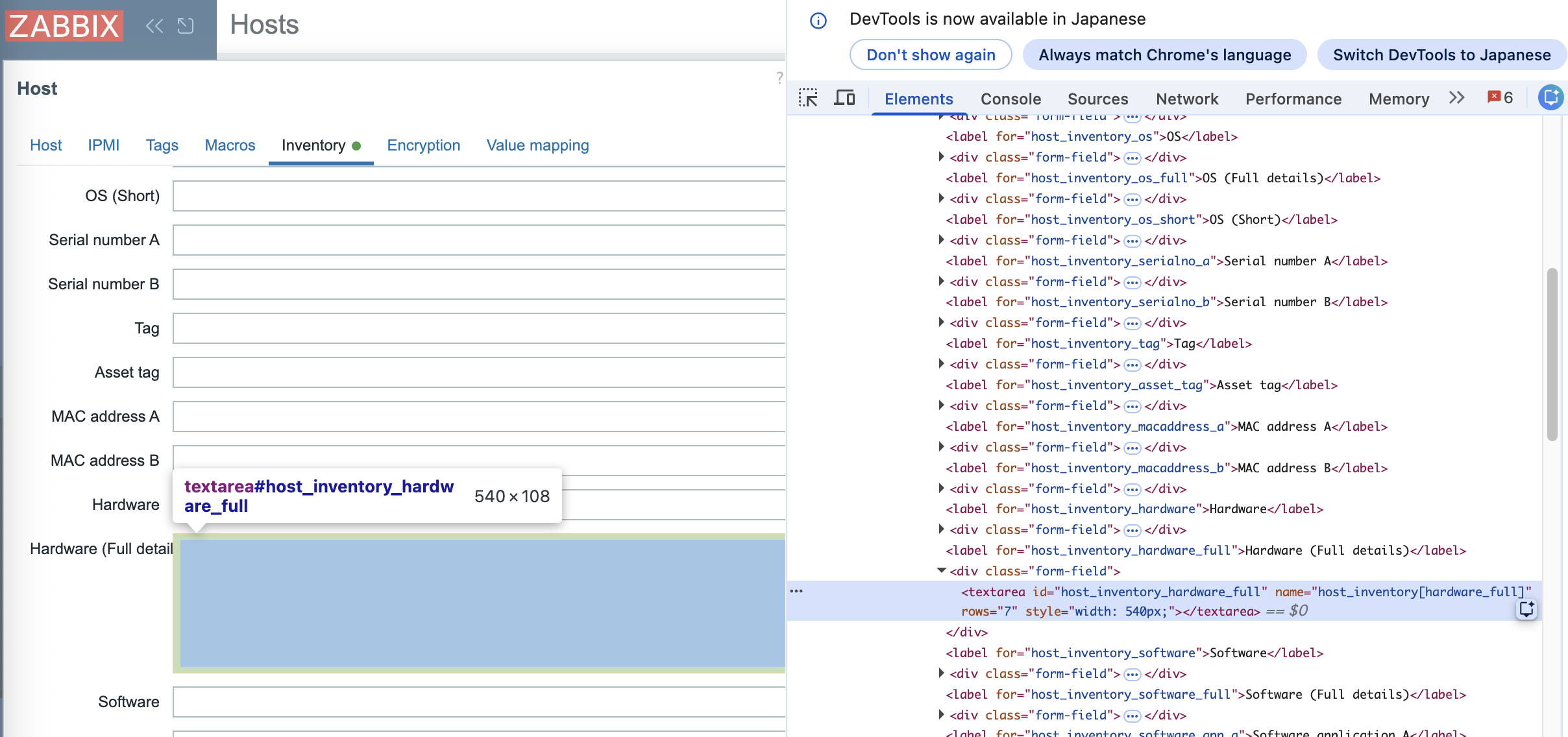
      1. Enter 65,535 characters in the host inventory field "Hardware (Full details)".
      2. Click "Update" to update the host inventory.
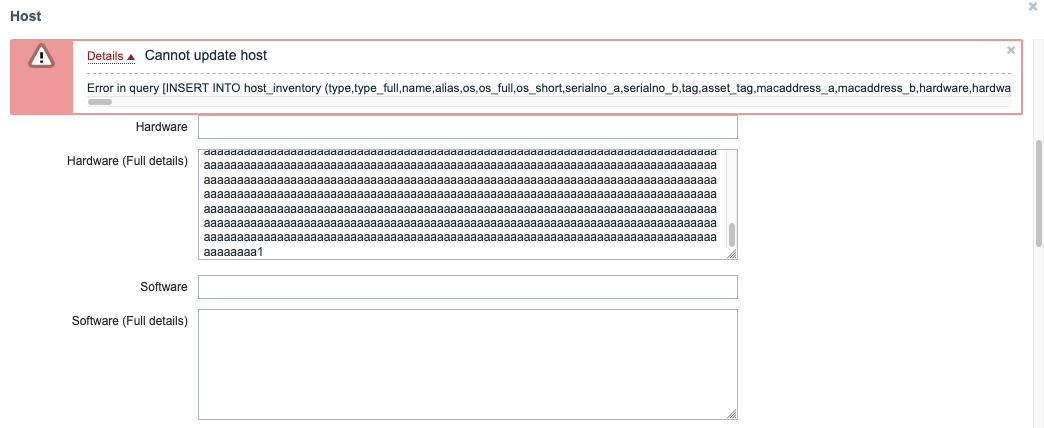
      3. Add one more character to the value entered in "Hardware (Full details)".
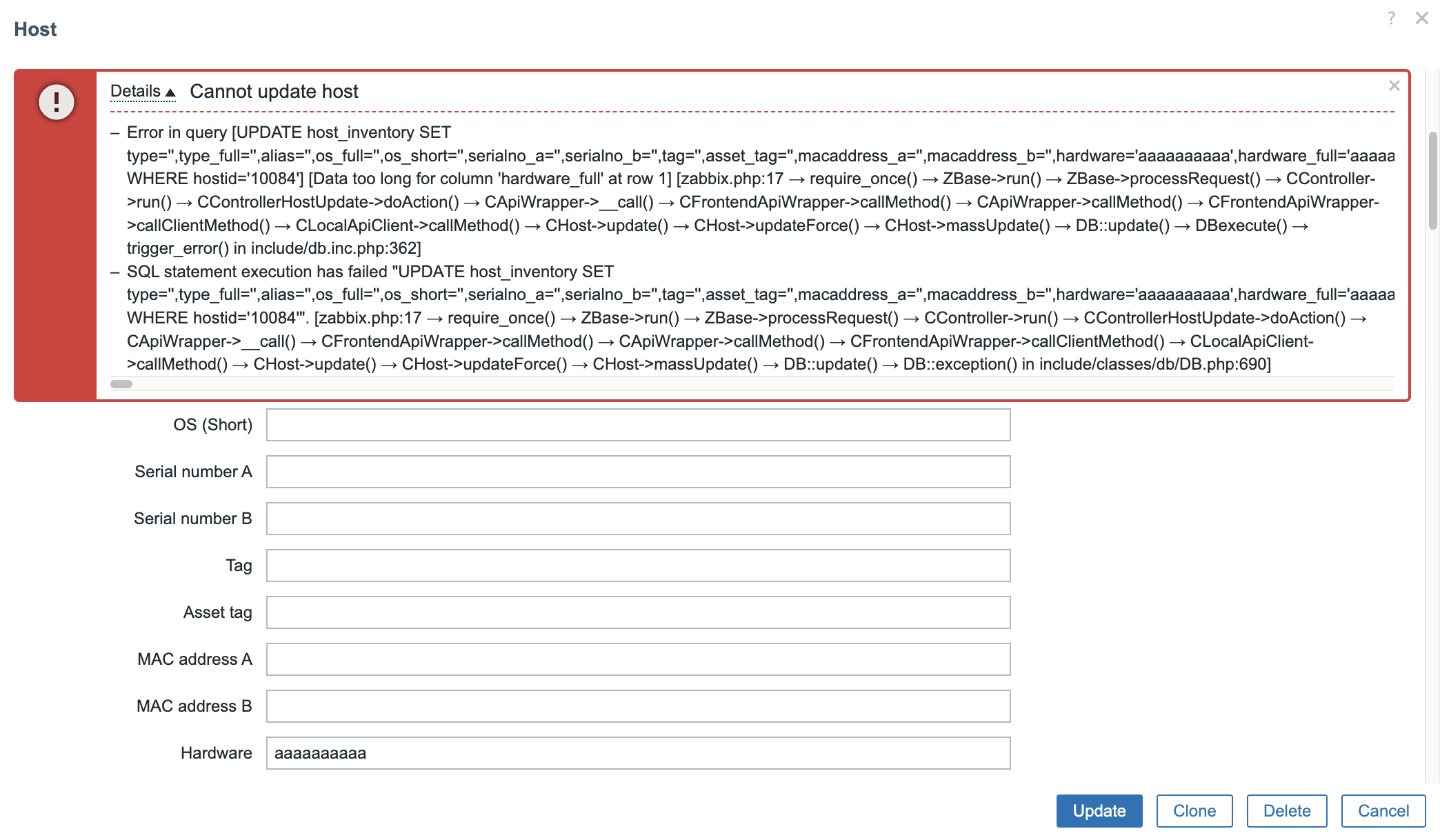
      4. Click "Update" to update the host inventory again.

      Note: This also occurs when 65,536 or more characters are entered from the beginning. It also occurs with other fields that have a 65,535-character limit.
      Confirmed in: Zabbix 6.0.44 and 7.0.27

      Result:
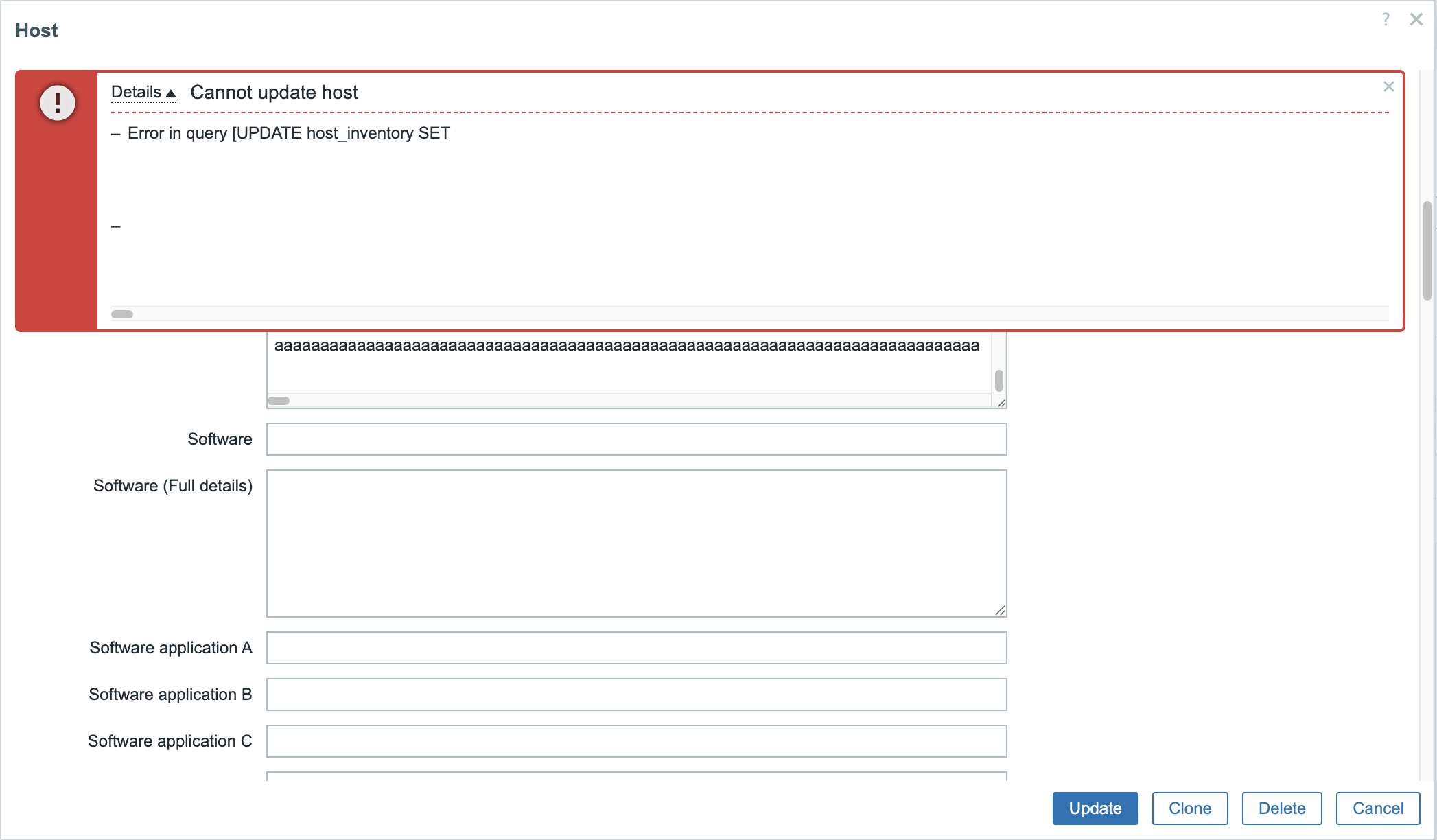
       

      Expected:
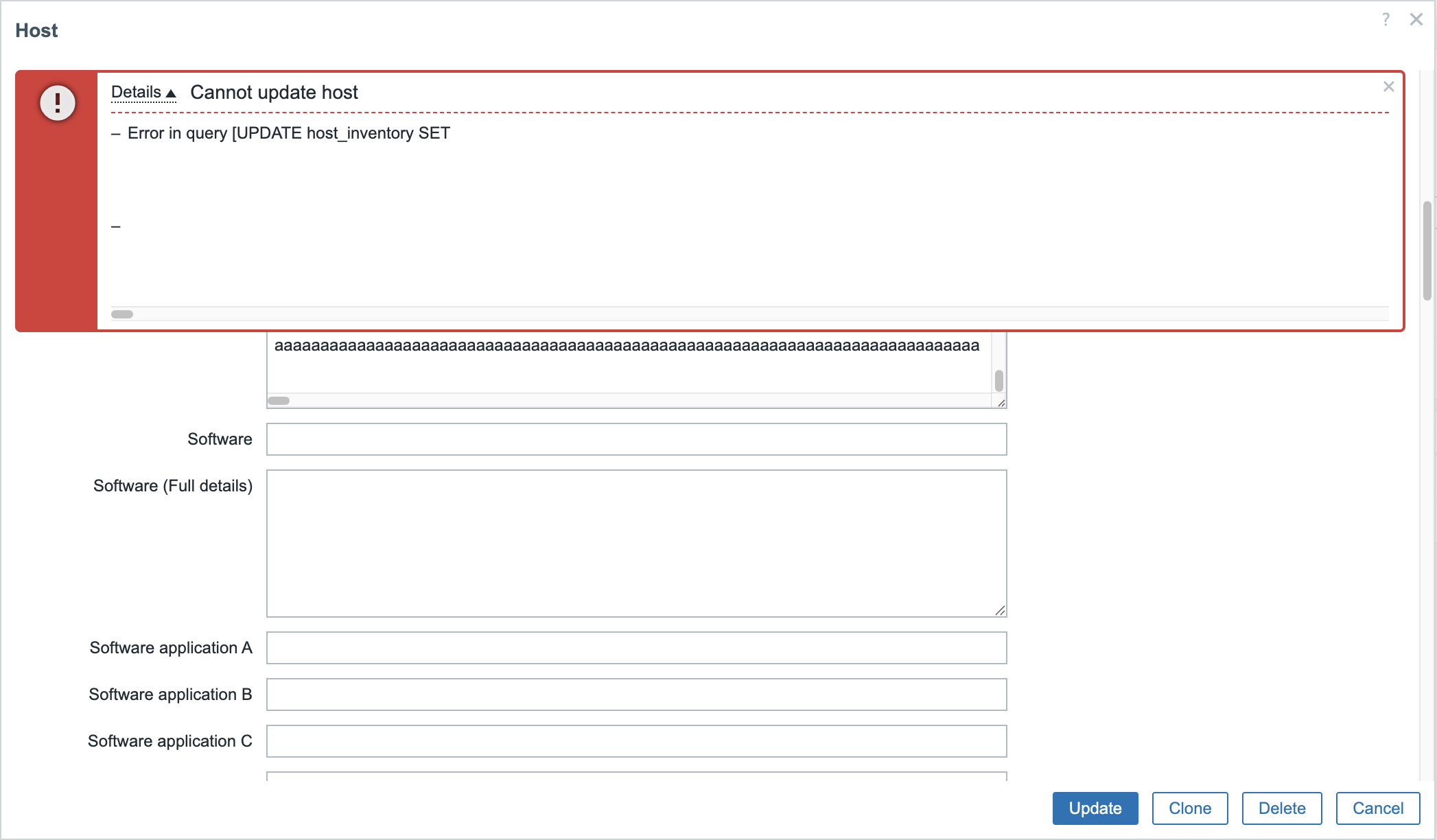
      I understand that this is caused by hitting the database character limit. However, other fields have input length restrictions enforced in the Zabbix Web UI.
      The same kind of restriction should also be applied to this field in the Zabbix Web UI.
        1. image-2026-06-22-11-48-50-397.png
          137 kB
          Hiroyuki Suzuki
        2. image-2026-06-22-11-49-06-943.png
          522 kB
          Hiroyuki Suzuki
        3. Screenshot_2026-06-22 11.26.35.png
          329 kB
          Hiroyuki Suzuki
        4. Screenshot_2026-06-22_02.png
          44 kB
          Hiroyuki Suzuki

            Assignee:
            Zabbix Development Team
            Reporter:
            Hiroyuki Suzuki
            Votes:
            0 Vote for this issue
            Watchers:
            2 Start watching this issue

              Created:
              Updated: