-
Type:
Change Request
-
Resolution: Unresolved
-
Priority:
 Trivial
-
None
-
Affects Version/s: 5.0.31rc1, 6.0.12rc1, 6.2.5rc1, 6.4.0beta4
-
Component/s: Frontend (F)
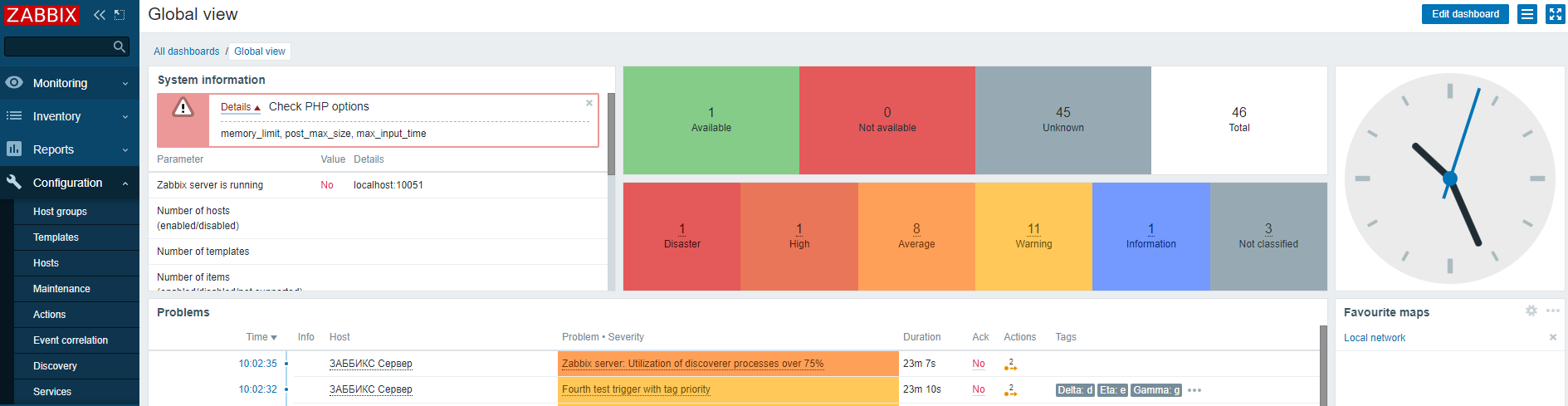
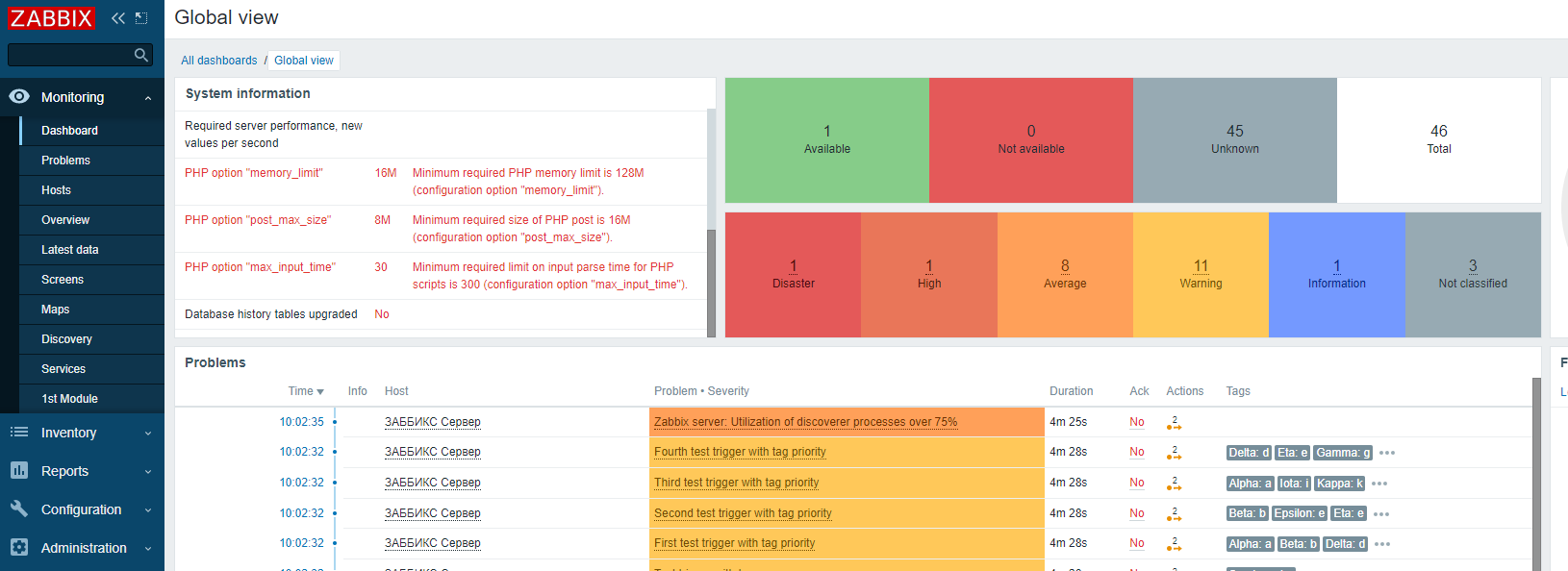
The "System information" widget on Global view dashboard has a small height. The user may not notice the absence of some necessary settings, because to view them, user needs to scroll down the widget.
Steps to reproduce:
- Change required PHP options memory_limit, post_max_size, max_input_time
- Open "Global view" dashboard
- Look at widget "System information"
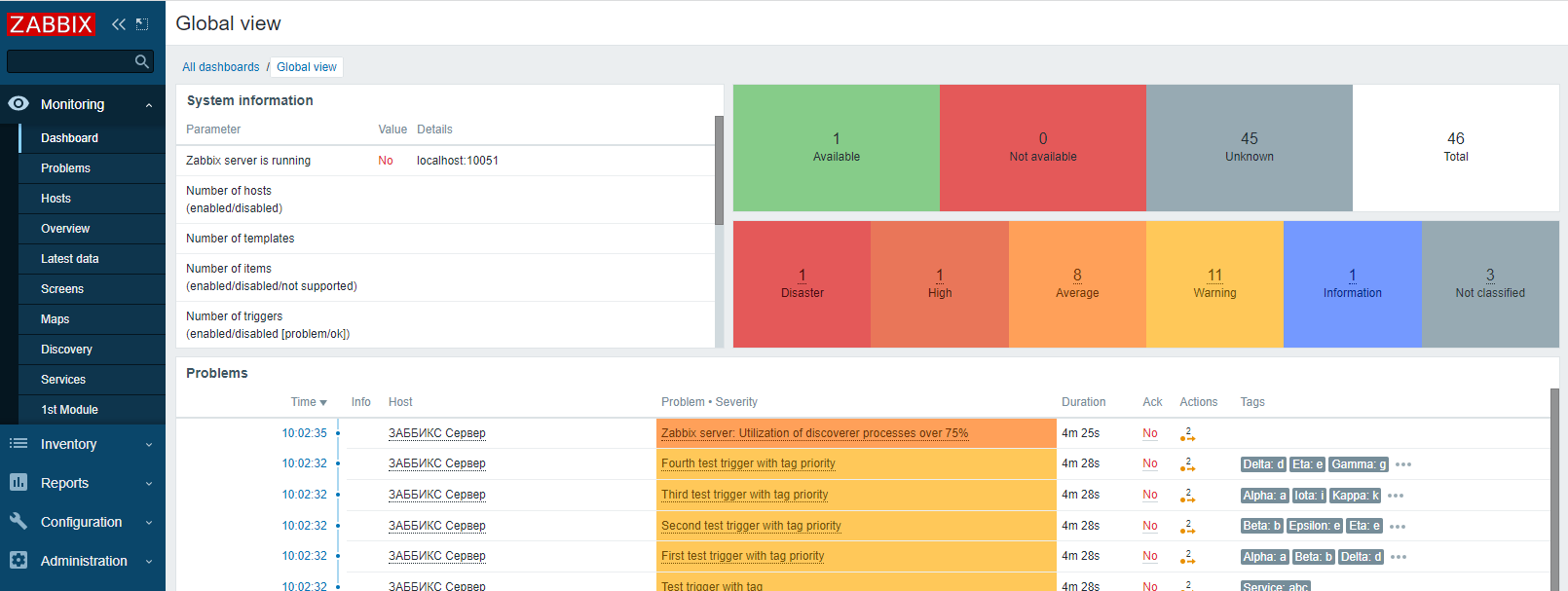
Result:
everything looks good
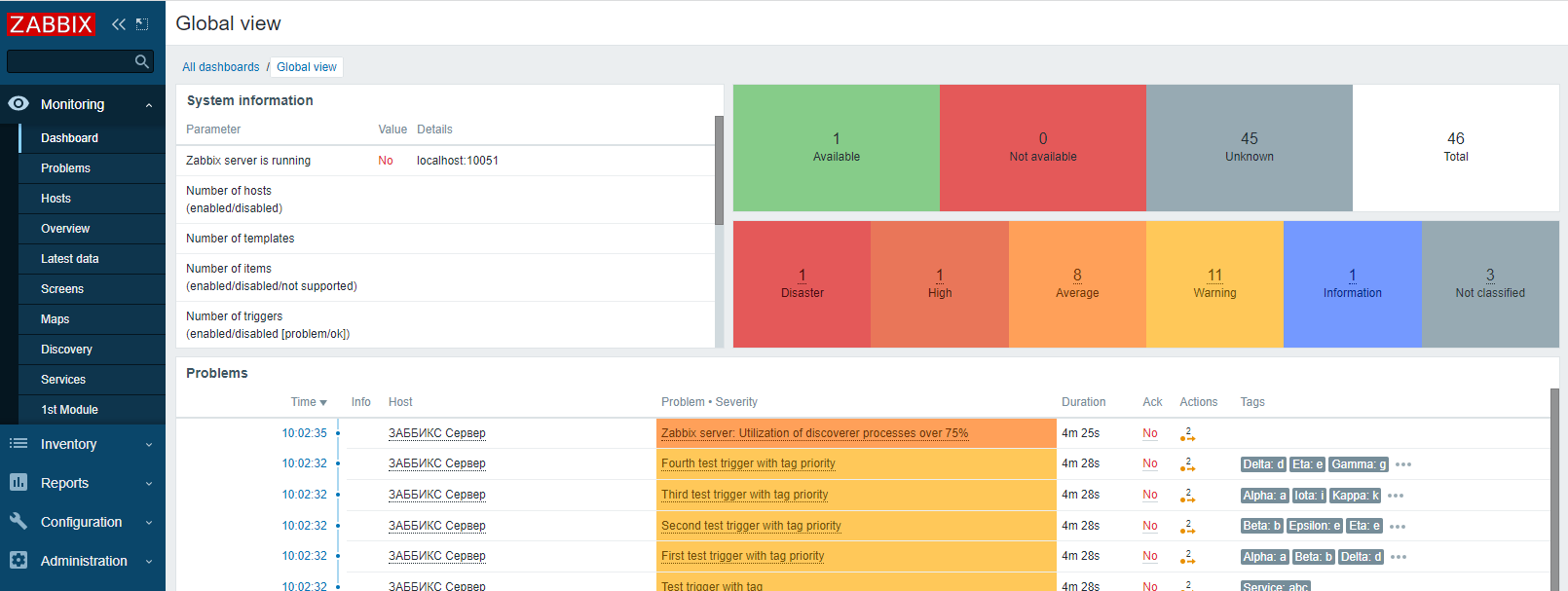
but there are warnings about required parameters if you scroll down
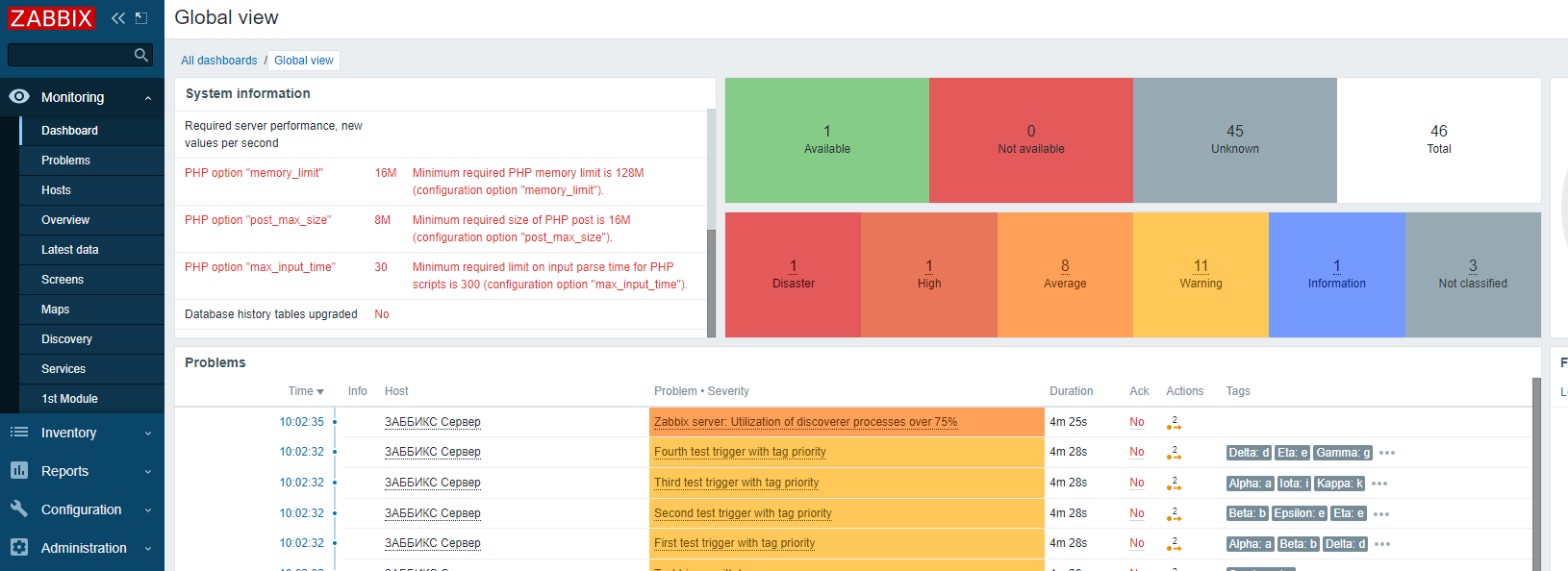
Expected result:
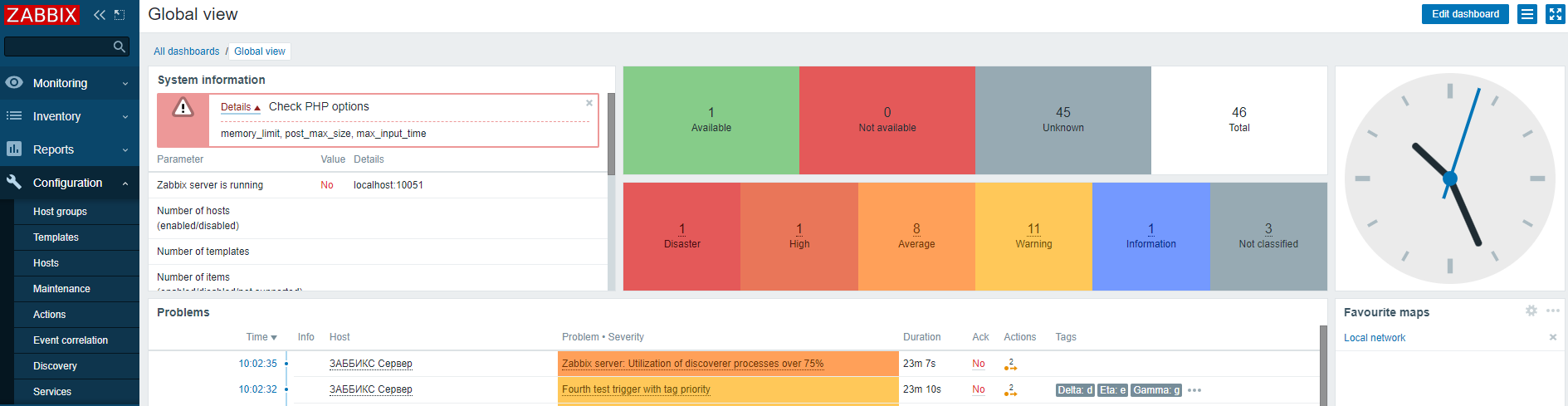
Add error message with details to pay attention to required settings