-
Type:
New Feature Request
-
Resolution: Unresolved
-
Priority:
 Trivial
-
None
-
Affects Version/s: None
-
Component/s: Frontend (F)
-
None
It would be great to have a simple integration between Zabbix Frontend and Fail2ban to easily protect Zabbix from intrusions.
The main idea is - logging failed login attempts to file (nginx logs, apache logs, etc.).
Example for Nginx:
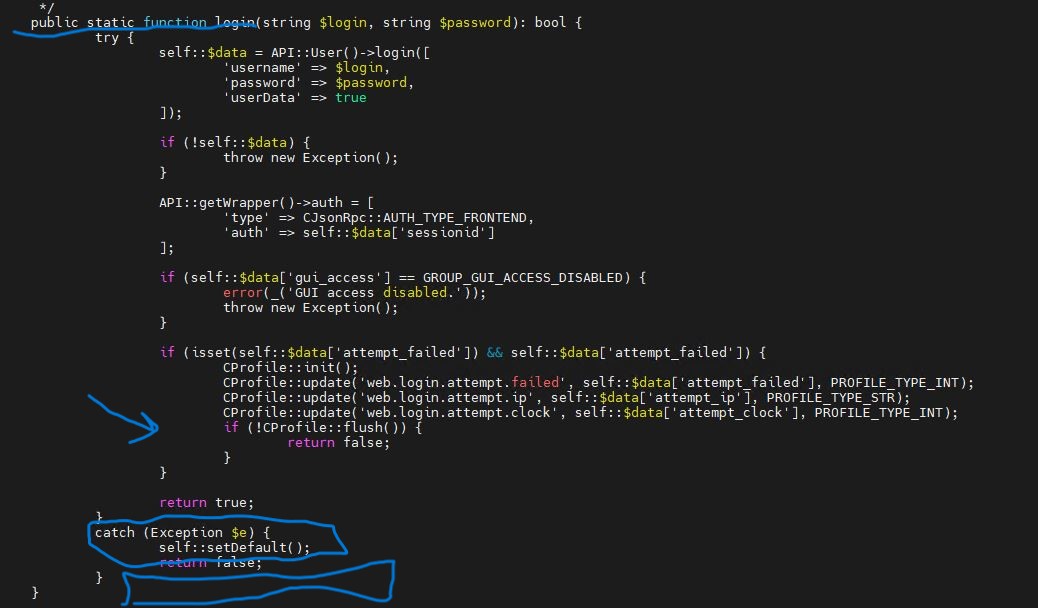
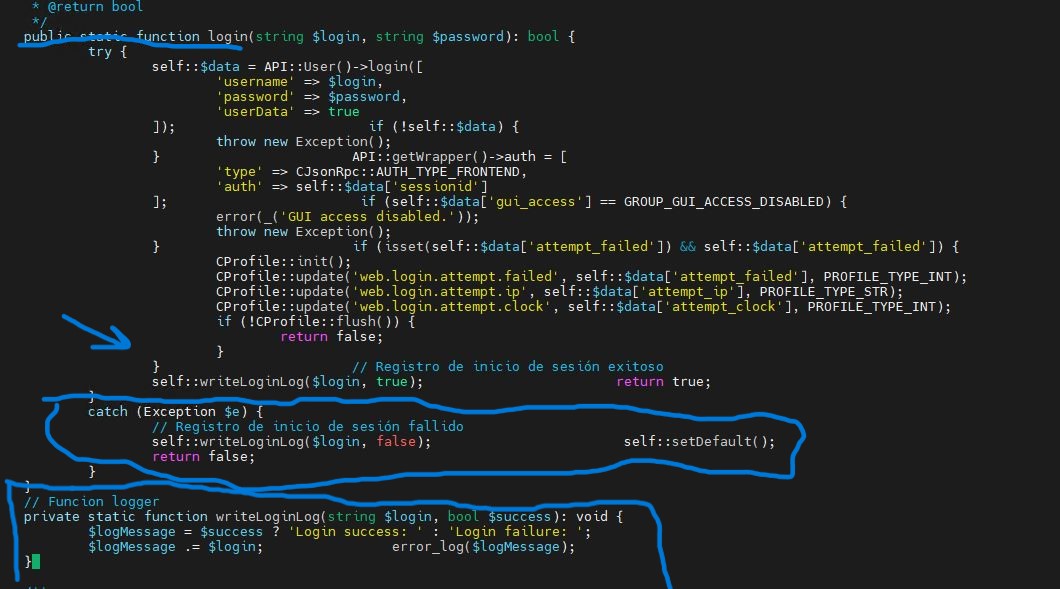
1. Make simple functions inside /usr/share/zabbix/include/classes/user/CWebUser.php according to the link https://www.reddit.com/r/zabbix/comments/ng13jl/zabbix_5_frontend_failed_logins_log/ .
       public static function login(string $login, string $password): bool {
                try {
                        self::$data = API::User()->login([
                                'username' => $login,
                                'password' => $password,
                                'userData' => true
                        ]);                        if (!self::$data) {
                                throw new Exception();
                        }                        API::getWrapper()->auth = [
                                'type' => CJsonRpc::AUTH_TYPE_FRONTEND,
                                'auth' => self::$data['sessionid']
                        ];                        if (self::$data['gui_access'] == GROUP_GUI_ACCESS_DISABLED) {
                                error(_('GUI access disabled.'));
                                throw new Exception();
                        }                        if (isset(self::$data['attempt_failed']) && self::$data['attempt_failed']) {
                                CProfile::init();
                                CProfile::update('web.login.attempt.failed', self::$data['attempt_failed'], PROFILE_TYPE_INT);
                                CProfile::update('web.login.attempt.ip', self::$data['attempt_ip'], PROFILE_TYPE_STR);
                                CProfile::update('web.login.attempt.clock', self::$data['attempt_clock'], PROFILE_TYPE_INT);
                                if (!CProfile::flush()) {
                                        return false;
                                }
                        }                        // Registro de inicio de sesión exitoso
                        self::writeLoginLog($login, true);                        return true;
                }
                catch (Exception $e) {
                        // Registro de inicio de sesión fallido
                        self::writeLoginLog($login, false);                        self::setDefault();
                        return false;
                }
        }
        // Funcion logger
        private static function writeLoginLog(string $login, bool $success): void {
                $logMessage = $success ? 'Login success: ' : 'Login failure: ';
                $logMessage .= $login;                error_log($logMessage);
        }
2. Create new simple fail2ban filter like that /etc/fail2ban/filter.d/nginx-http-auth-zabbix.conf:
[Definition]
failregex = \[error\].+Login failure: .+while reading response header from upstream, client: <HOST>, server:.+request: .POST
3. Enable the new filter's configuration in your /etc/fail2ban/jail.local:
[nginx-http-auth-zabbix]
enabled  = true
port = http,https
filter = nginx-http-auth-zabbix
logpath = /var/log/nginx/*error.log
maxretry = 5
findtime = 60
bantime = 600
4. Restart services (zabbix-server,nginx,fail2ban) to take effect.
Tested on:
- Zabbix 6.4.6
- CentOS Linux 8
- Fail2ban-Server 1.0.2
- Nginx 1.14.1
It will work for Appache too, just change the fail2ban configuration according to the official manual.