-
Type:
Problem report
-
Resolution: Unresolved
-
Priority:
 Trivial
-
None
-
Affects Version/s: 4.0.2, 4.2.0alpha2
-
Component/s: Frontend (F)
Moved from ZBX-15270 (1)
Steps to reproduce:
- Open graph widget configuration.
- Add a large number of data sets to make the scroll bar appear.
- Try scrolling down/up.
Result:
As you scroll up, data sets rows appear on the top (Firefox, Internet Explorer).
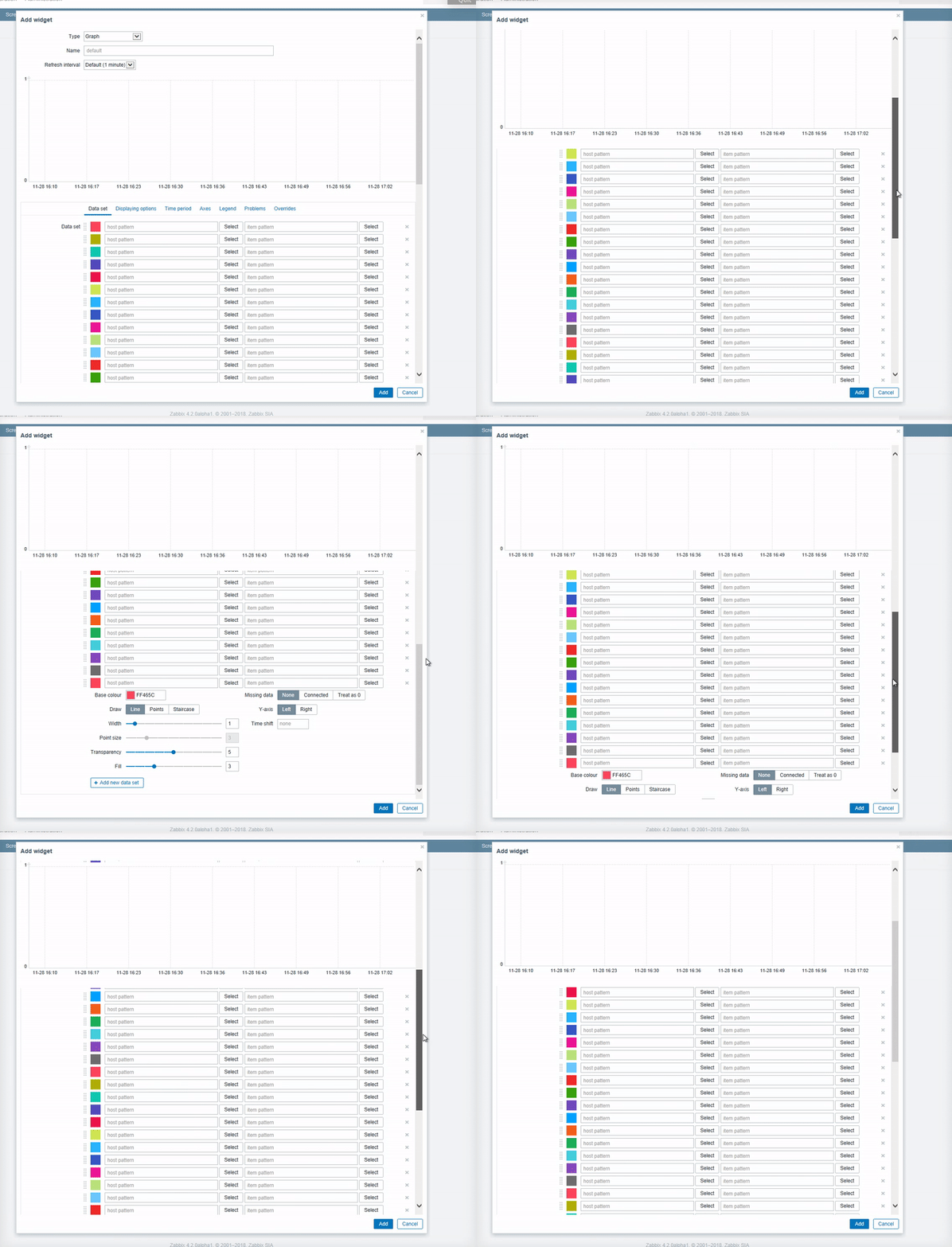
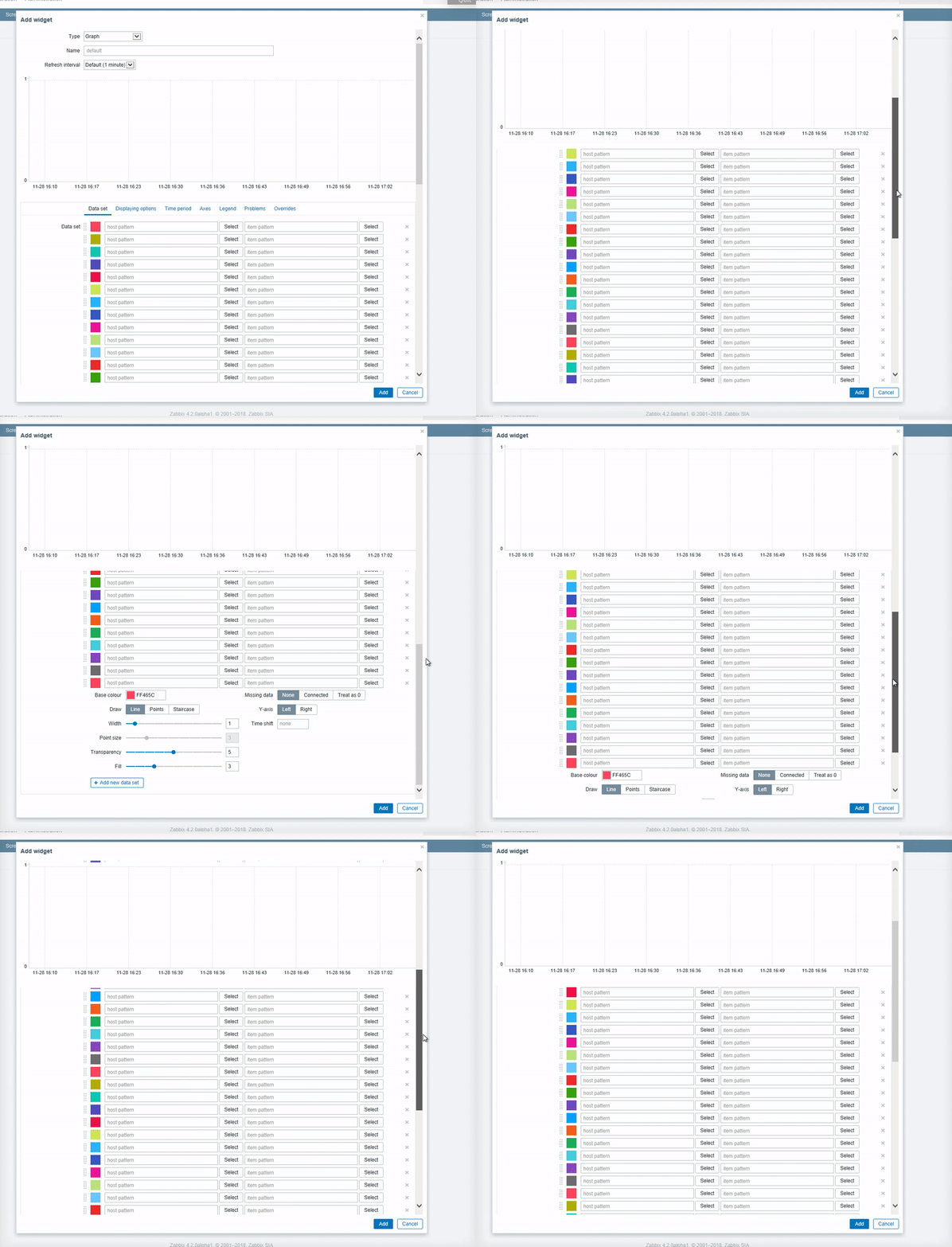
- part of
-
-
- Closed
-