-
Type:
Problem report
-
Resolution: Commercial support required
-
Priority:
 Trivial
-
None
-
Affects Version/s: 5.0.36
-
Component/s: Frontend (F)
-
Environment:Ubuntu 20.04.4 LTS
Steps to reproduce:
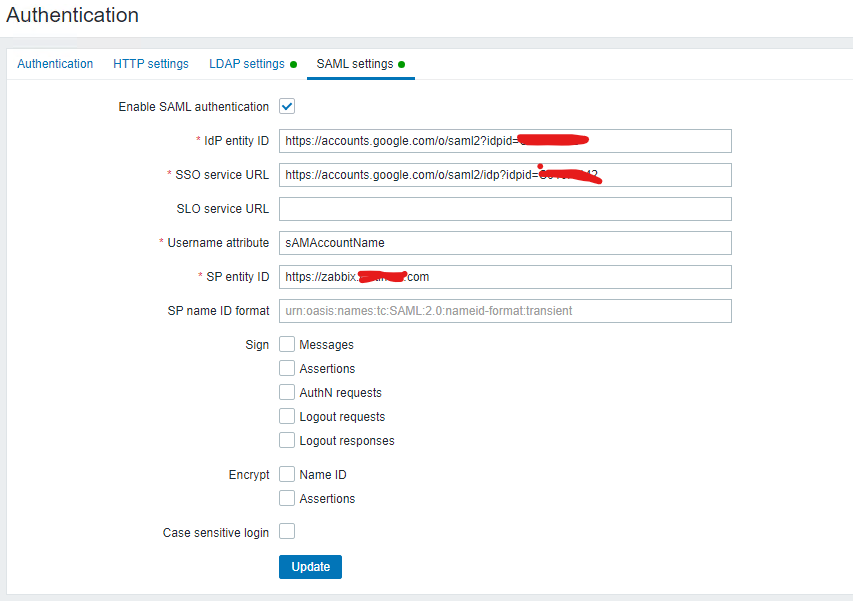
- Login to Zabbix Dashboard with admin login
- In Administration option, click on Authentication >> SAML Setting
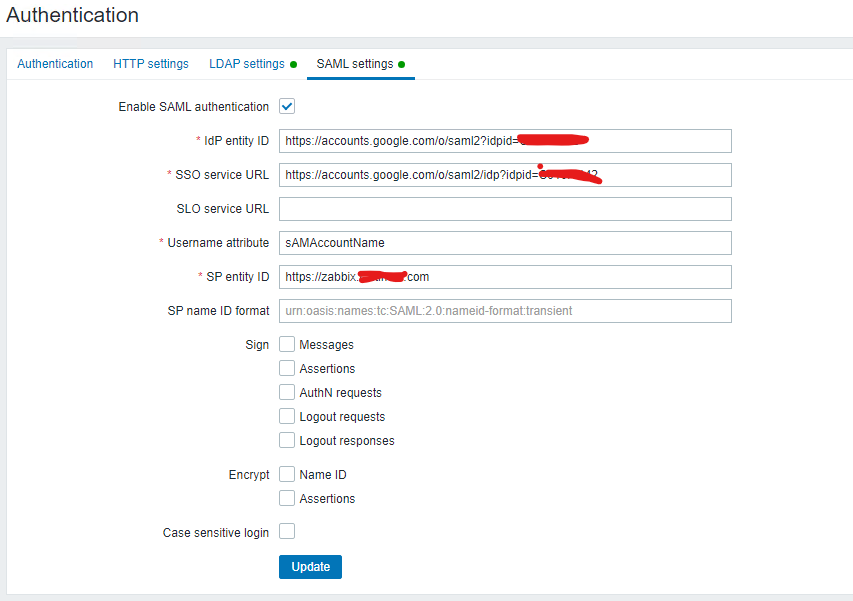
3. Fill the SSO related information.
4. Click on Option "Sign in with Single Sign-On (SAML)
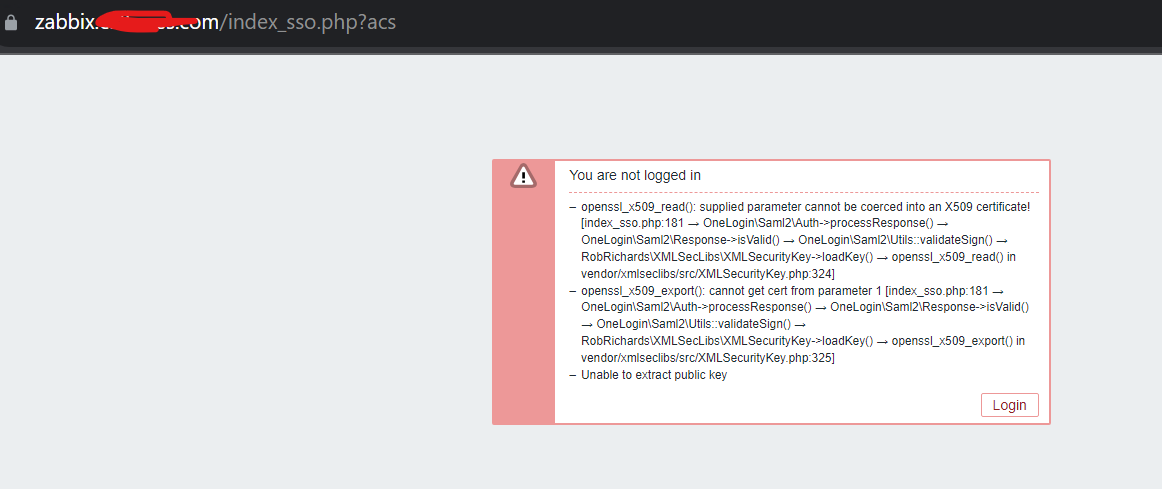
5. After inserting gmail account details getting error.
Result:
See screenshot.
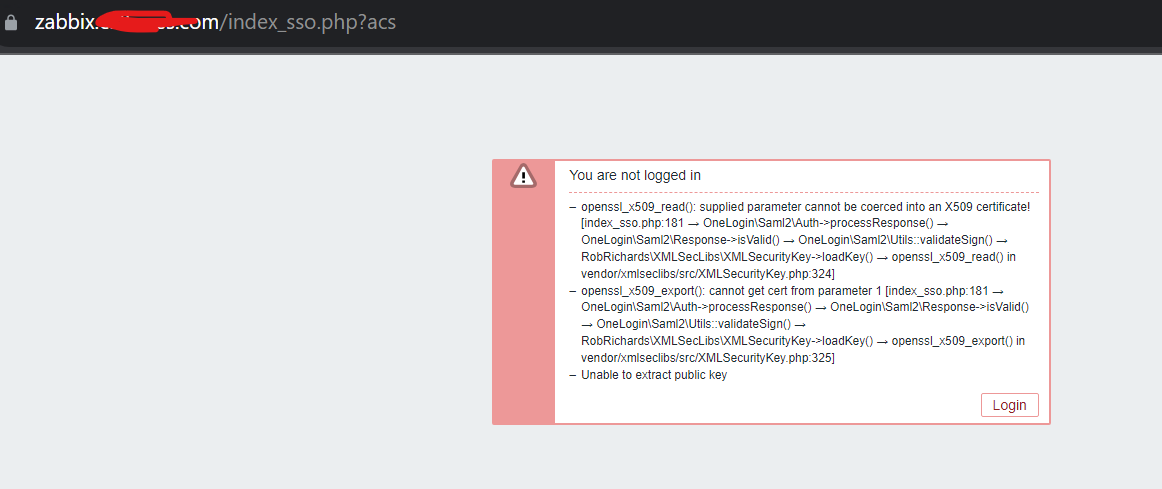
Expected:
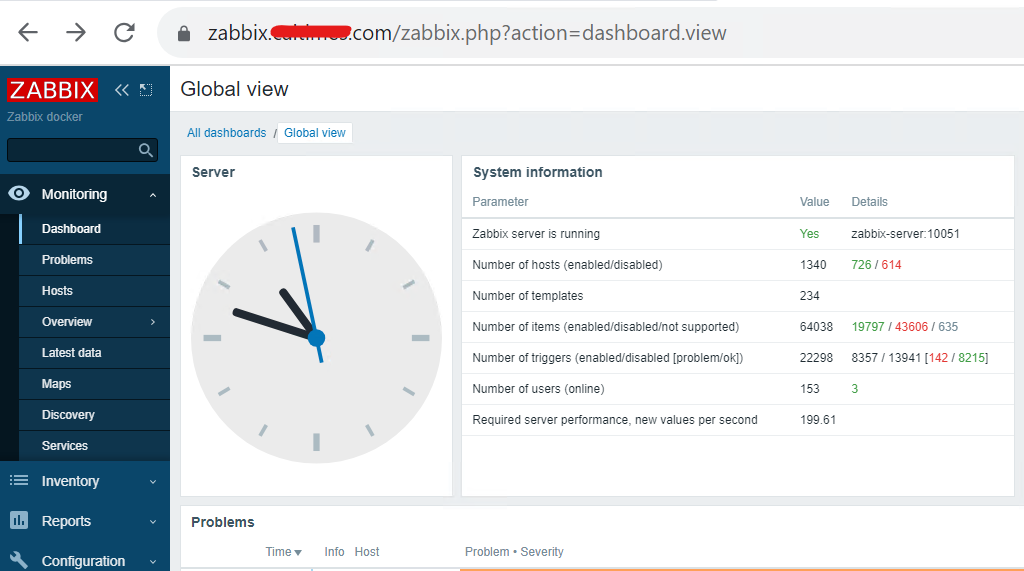
See screenshot....