-
Type:
Problem report
-
Resolution: Fixed
-
Priority:
 Trivial
-
Affects Version/s: 7.0.22rc1, 7.2.15rc1, 7.4.6rc1, 8.0.0alpha1, 8.0.0alpha2
-
Component/s: Frontend (F)
-
S26-W08/09, S26-W20/21
-
1
Steps to reproduce:
- Open a dashboard, create a Map navigation tree widget.
- Add a map to the Map navigation tree widget.
- Create a Map widget, select the Map navigation tree widget instead of a map.
- Remove all maps from the Map navigation tree widget.
- Save the dashboard.
Result:
Both the Map widget and the Map navigation tree widget show infinite loading.
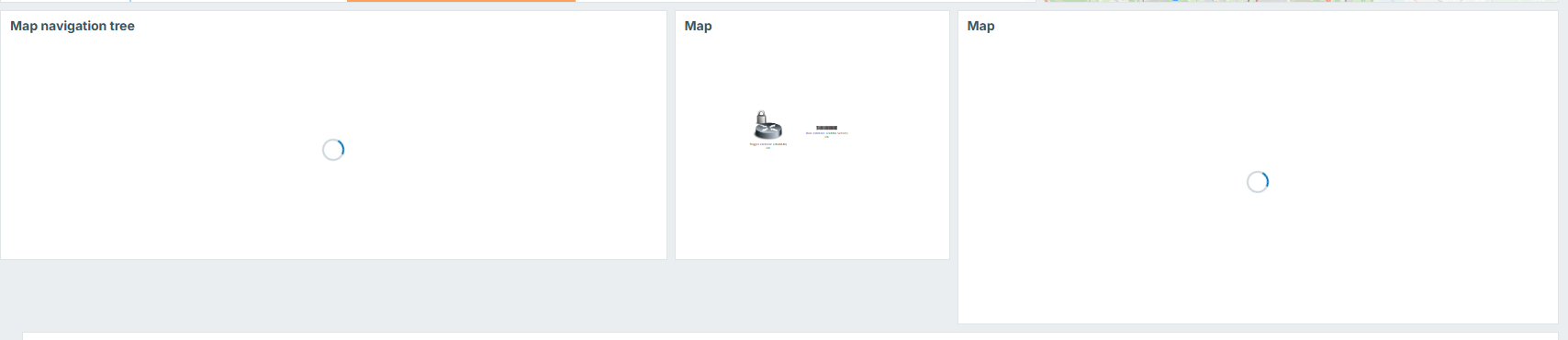
Expected:
Both widgets display correctly.
UPDATE:
Same for Scatter plot/Graph if Map widget in overrides selected.
- caused by
-
ZBXNEXT-9228 Widget communication: automatic change of views
-

- Closed
-