-
Type:
Problem report
-
Resolution: Duplicate
-
Priority:
 Trivial
-
None
-
Affects Version/s: 7.0.23rc1, 7.4.7rc1, 8.0.0alpha2
-
Component/s: Frontend (F)
-
S26-W10/11, S26-W26/27
-
1
Steps to reproduce:
- Navigate to Users > User roles.
- Click any role name (except the default Super admin role) with enabled access to the API to edit it.
- Disable access to the API and save the changes.
- Reopen the role configuration form and enable back access to the API.
Result:
The related form elements remain disabled:
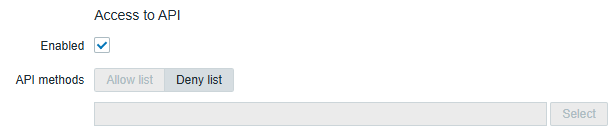
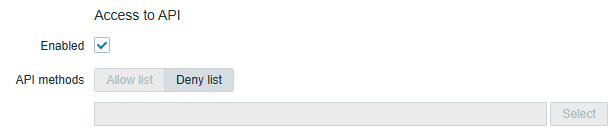
Expected:
Marking the checkbox should enable the related form elements.
- duplicates
-
-
- Closed
-


