-
Type:
Problem report
-
Resolution: Duplicate
-
Priority:
 Trivial
-
None
-
Affects Version/s: 7.4.7rc1, 8.0.0alpha1, 8.0.0alpha2
-
Component/s: Frontend (F)
-
S26-W06/07
Preconditions:
- At least one trigger exists.
- Triggers are in PROBLEM state.
Steps to reproduce:
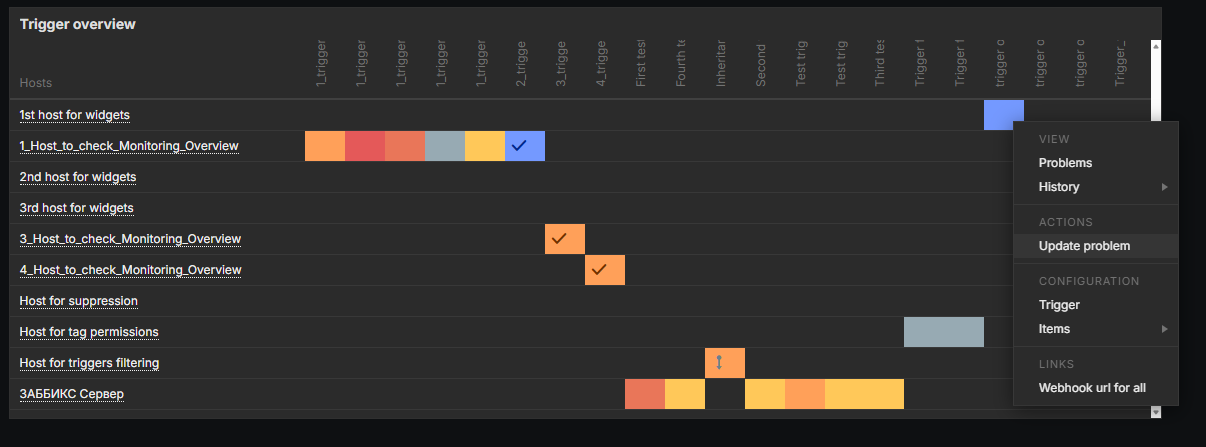
- Go to Dashboards.
- Create a new Trigger Overview widget.
- Click on a colored severity in the widget.
- Click Update problem.
Result:
An error message is shown: "Field "eventids" is mandatory."

Expected:
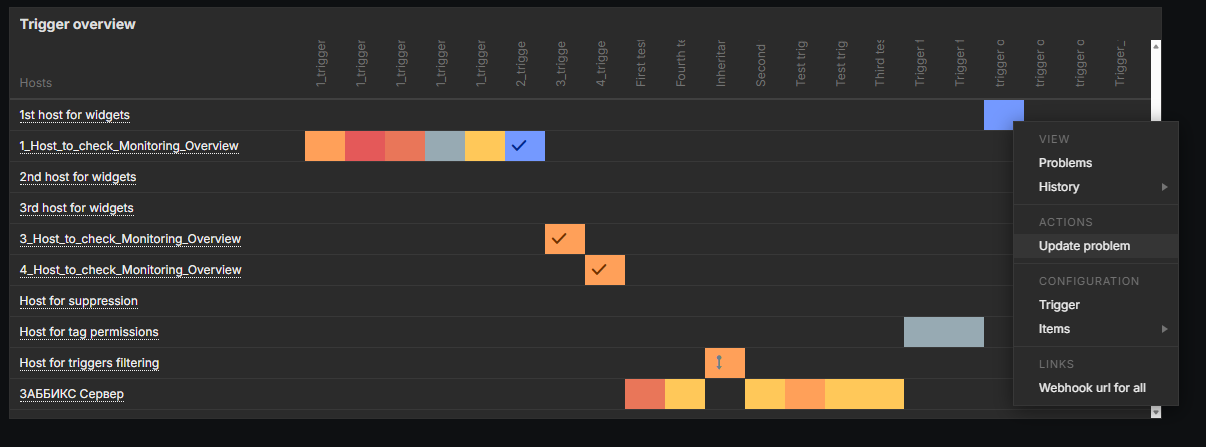
No validation error should be shown.

- caused by
-
ZBXNEXT-9340 provide exchange-able URLs for modal windows
-

- Closed
-
- duplicates
-
-

- Closed
-