-
Type:
Problem report
-
Resolution: Unresolved
-
Priority:
 Trivial
-
Affects Version/s: 7.0.24rc2, 7.4.8rc2, 8.0.0beta1
-
Component/s: Frontend (F)
-
S26-W28/29, S26-W36/37, S26-W38/39, S26-W40/41
-
1
Steps to reproduce:
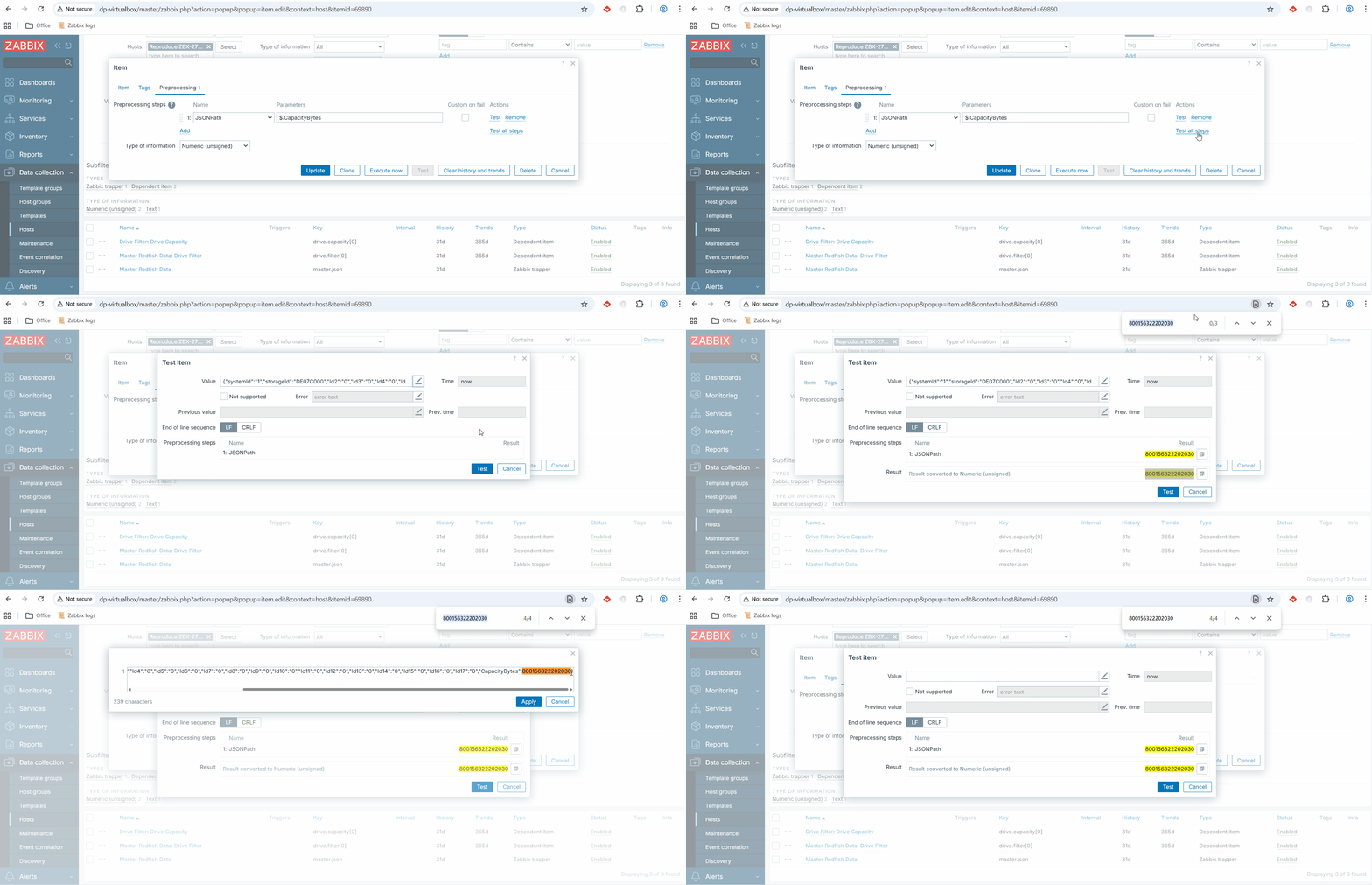
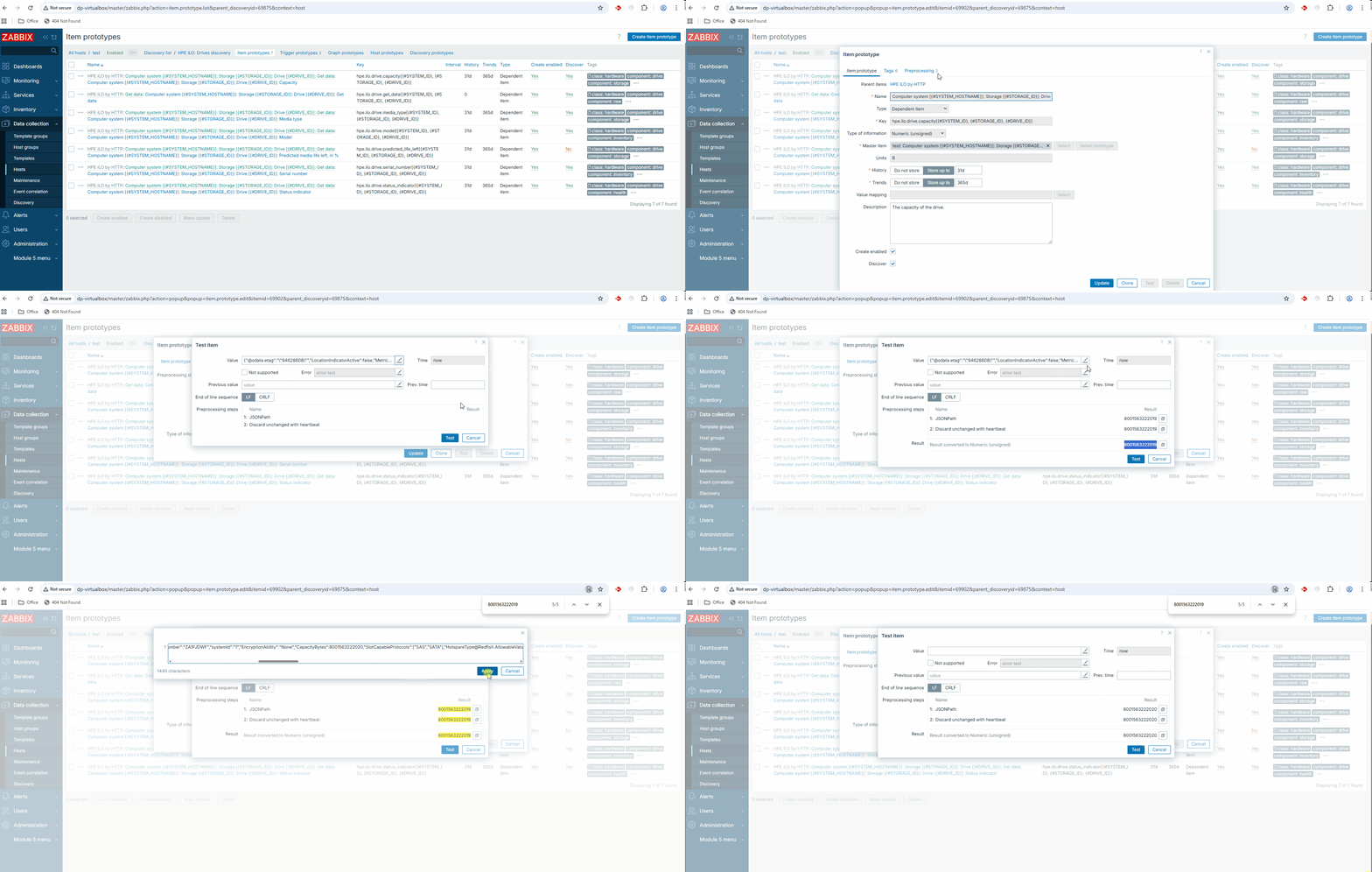
- Navigate to Data collection -> Templates (or Hosts),
- Open any Item or Item prototype that has preprocessing steps,
- Go to the Preprocessing tab,
- Click the Test button (or Test all steps),
- In the opened "Test item" modal, observe the Value field and its preview,
- Start typing or editing the text in the Value and/or Previous value field.
Result: The preview disappears from the modal form. See video:
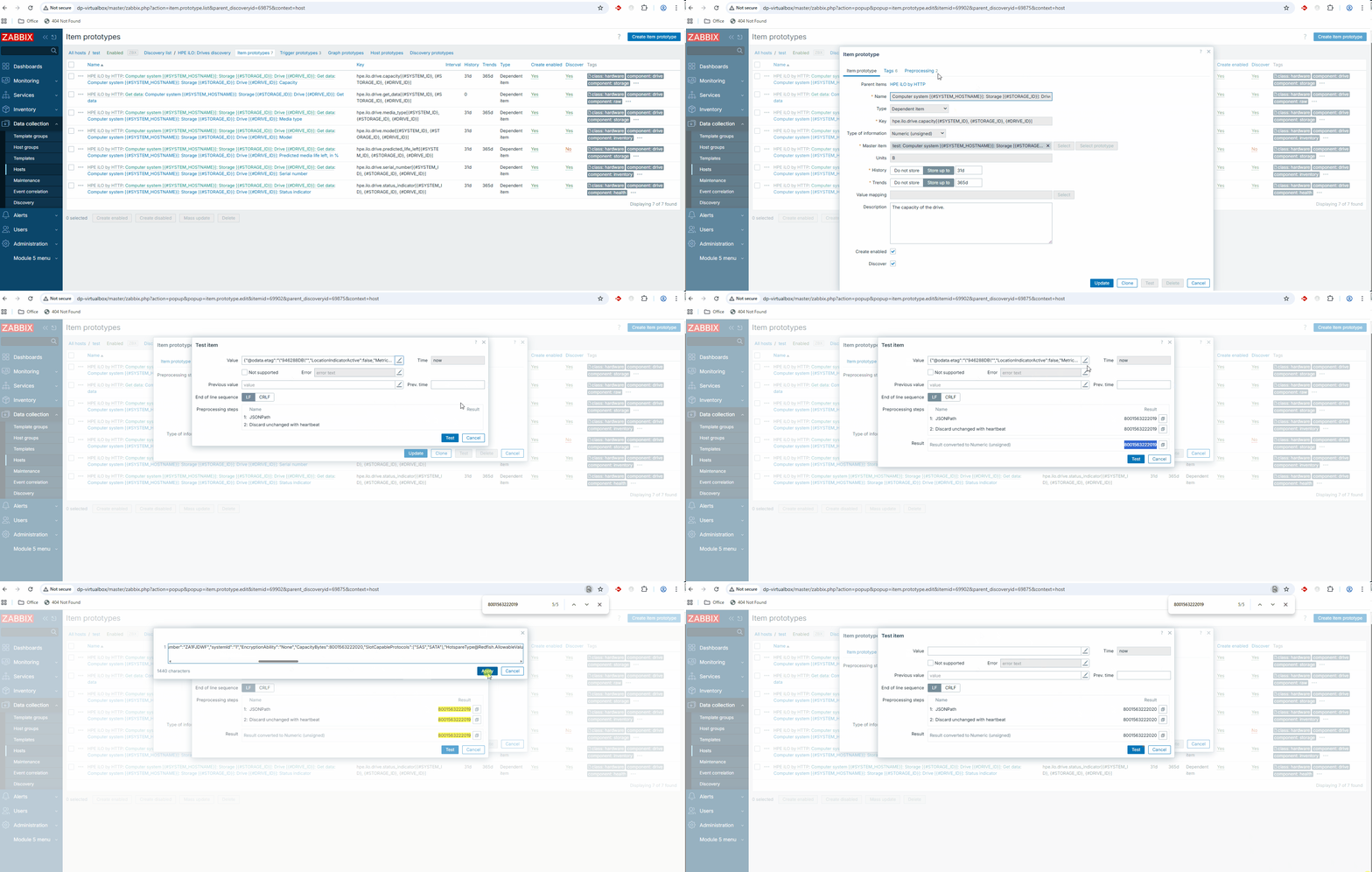
Expected: The value preview should remain visible or update dynamically to reflect the changes, providing consistent feedback to the user while they are editing the test data.