Update navigation icons for main menu

XMLWordPrintable

    • S24-W12/13, S24-W14/15, S24-W16/17
    • 2

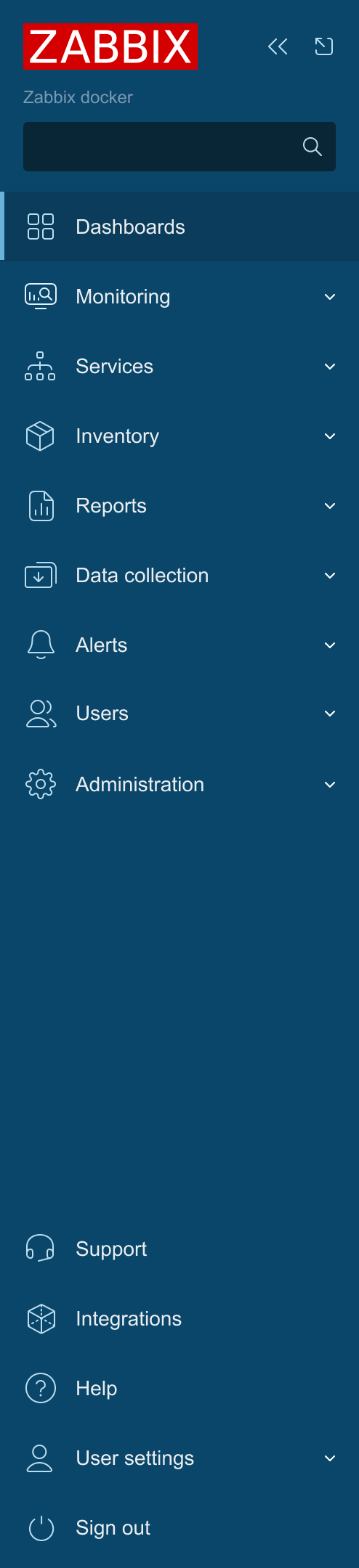
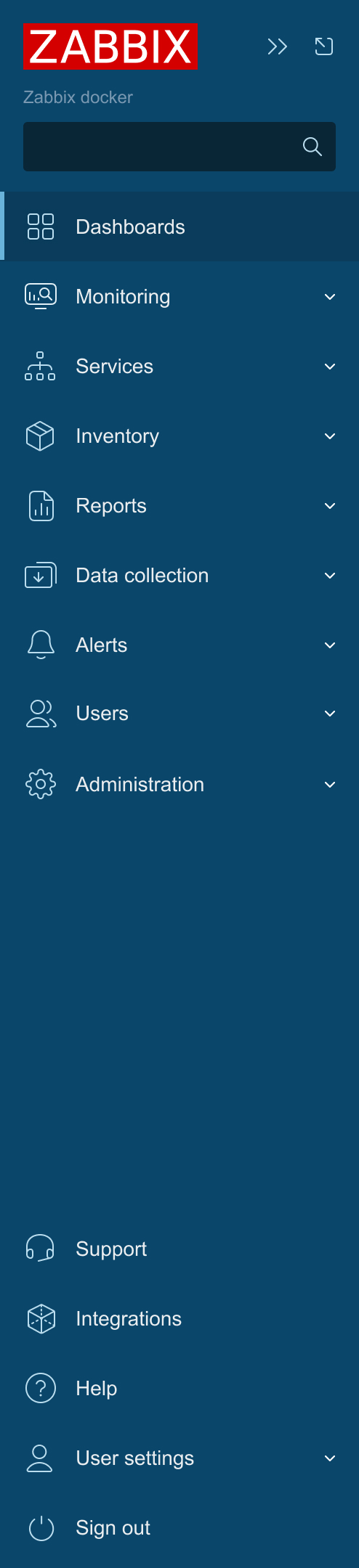
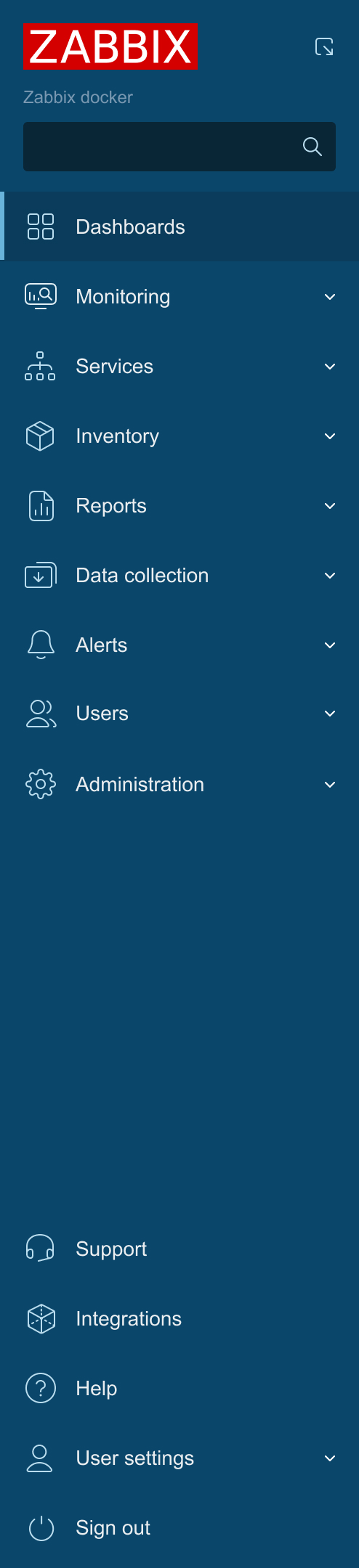
      To ensure visual consistency of the interface, it is necessary to change icons in the main menu, with icons that match the style of the existing ones. This will improve the recognizability of control elements and style.
      1. Menu icon
      2. Collapse icon
      3. Expand icon
      4. Chevron-double-left icon
      5. Chevron-double-right icon
      6. Chevron-down-thin icon
      7. Search icon

        1. Menu - 1.jpg
          223 kB
          A. Lise Babika
        2. Menu - 2.jpg
          223 kB
          A. Lise Babika
        3. Menu - 3.jpg
          221 kB
          A. Lise Babika
        4. image-2024-03-25-13-12-41-078.png
          21 kB
          Martins Orinskis

            Assignee:
            Dace Petra (Inactive)
            Reporter:
            A. Lise Babika (Inactive)
            Team B
            Votes:
            0 Vote for this issue
            Watchers:
            7 Start watching this issue

              Created:
              Updated:
              Resolved: